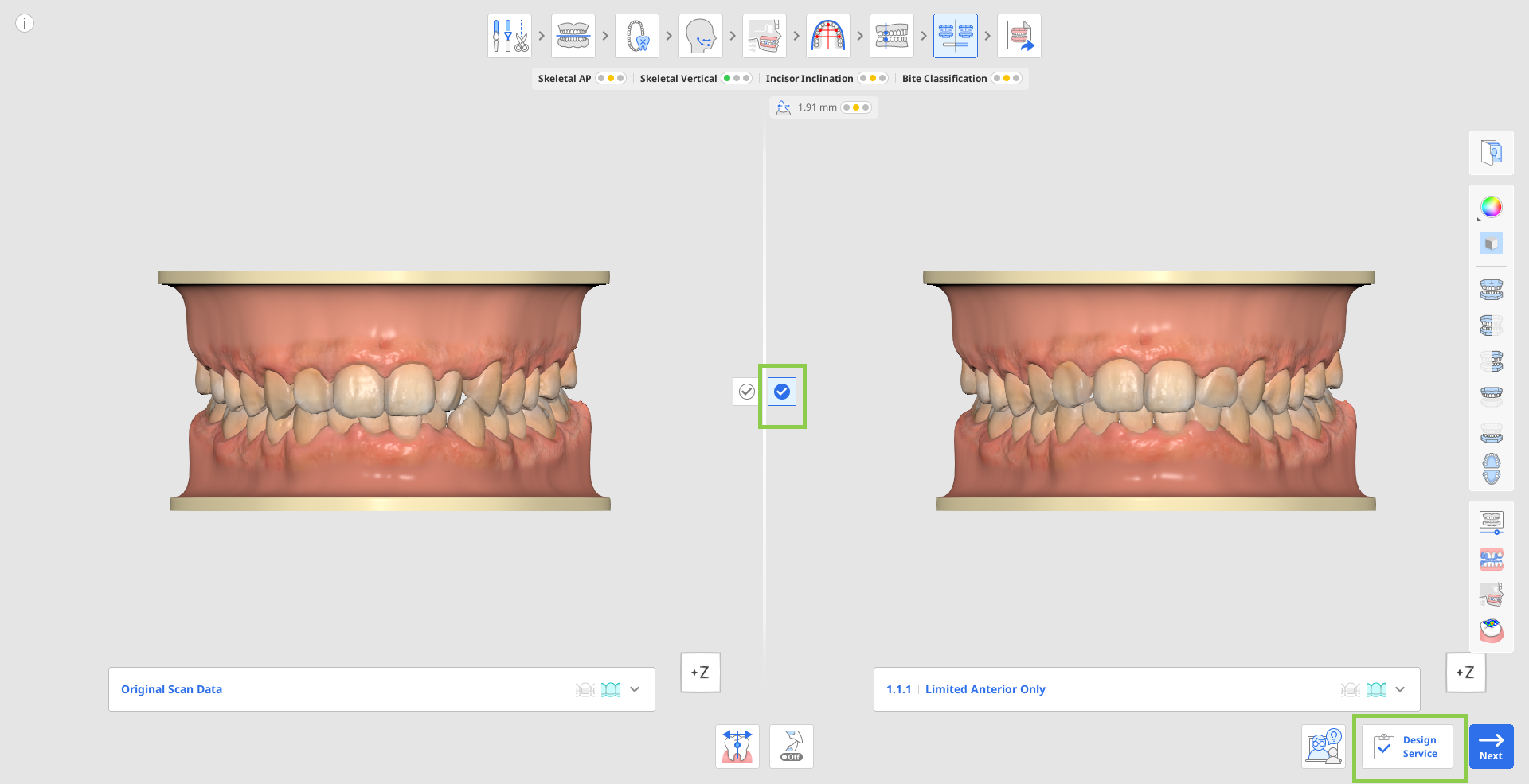
The Medit Aligner Design Service allows users to request both aligner design and aligner fabrication at once. You can access this service by clicking the "Design Service" button in the bottom-right corner of the "Simulation Preview" step.
1. Select the preferred treatment simulation and click "Design Service".
2. Provide the required treatment and order information. Required fields are marked with an asterisk (*). To help the designer achieve the desired outcome and minimize revision requests, it is highly recommended to provide detailed doctor's instructions and the patient's chief complaint.
.jpg)
3. Check all the required boxes and then click "Confirm" to submit the order.
.jpg)
4. The planning, designing, and fabrication request is sent to the fabrication facility for processing. Order details and status updates can be viewed and tracked through the Order Portal.
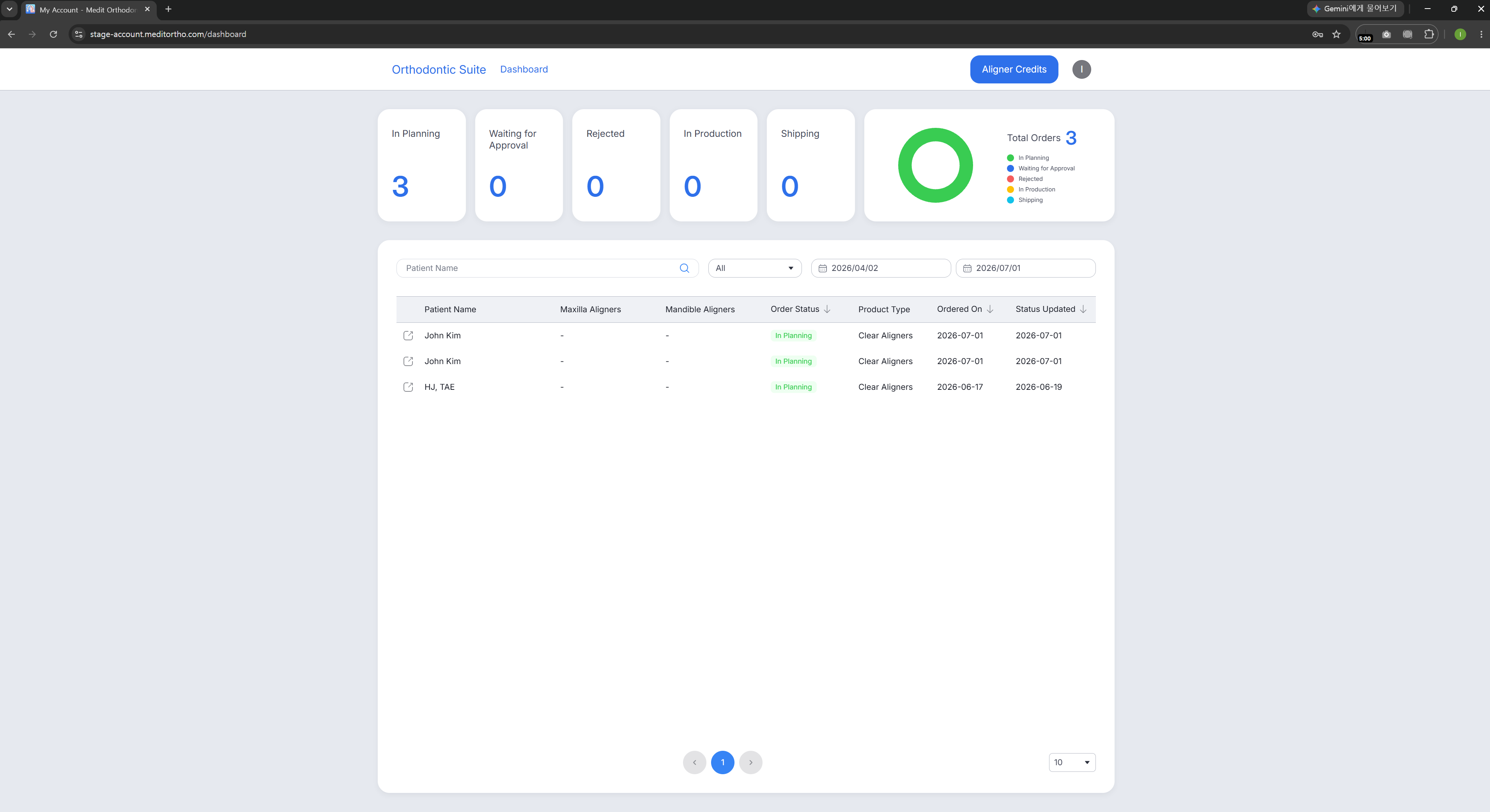
5. When the treatment planning is ready, you will receive a notification via email.
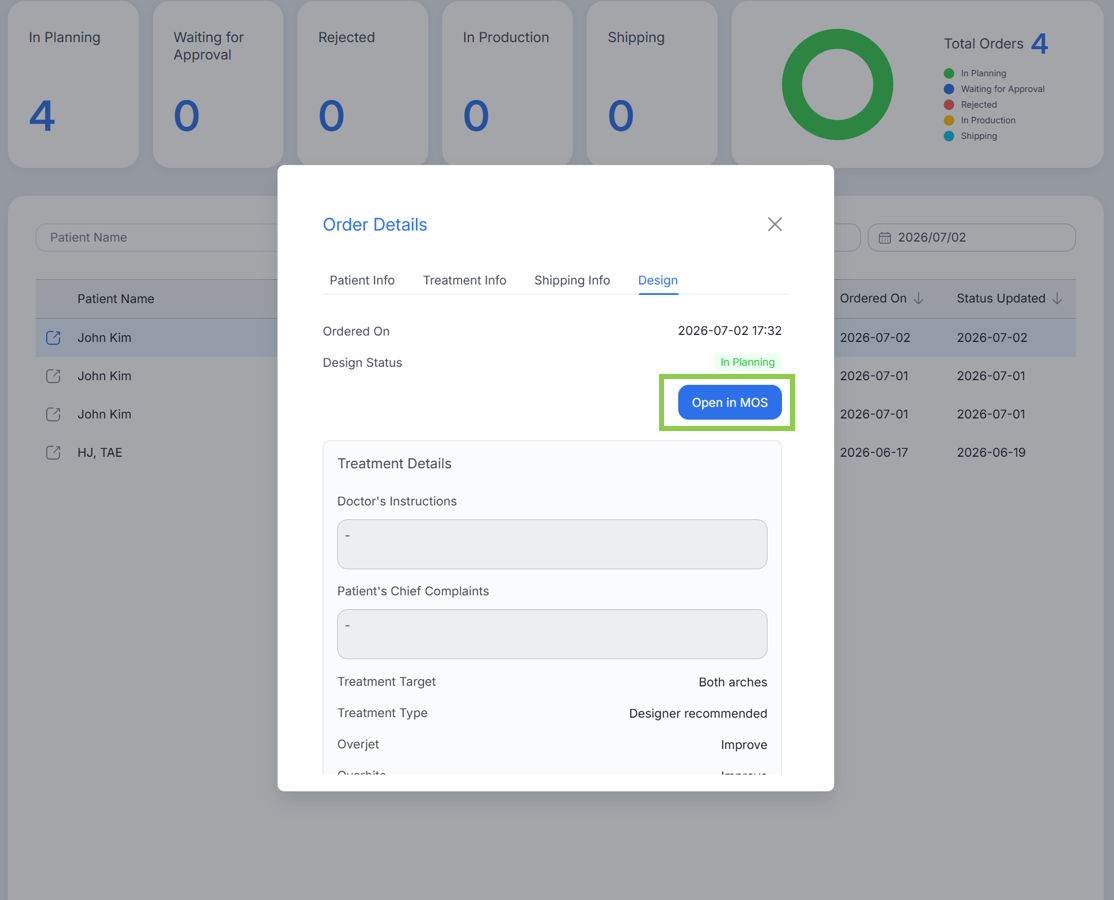
6. Open the case from the Order Portal and launch Medit Orthodontic Suite to review the planning results. Inspect the treatment outcome, staging sequence, and other planning and design details.
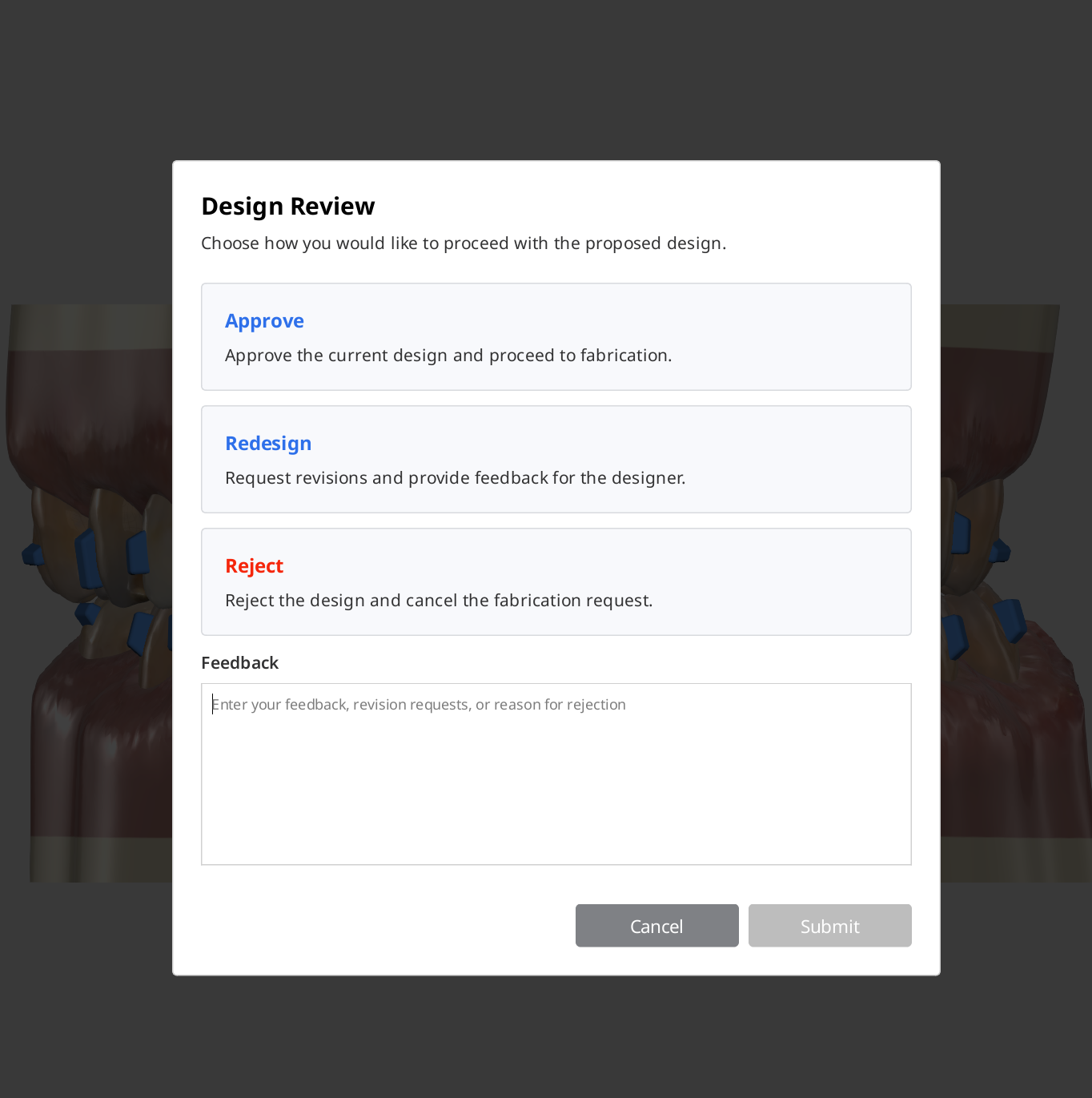
7. After review, choose one of the following actions: approve, redesign, reject. When requesting a redesign or rejecting a design, always provide feedback to help the designer address the required changes.
Note: Rejecting the design cancels both the design request and the associated fabrication order.
8. Once the design has been approved, aligner fabrication begins automatically. Production and delivery progress can be tracked through the Order Portal.
Комментарии
0 комментариев
Войдите в службу, чтобы оставить комментарий.